
Construction accounting isn't just about the numbers, it’s about staying on top of field spend, tracking job-level costs, and keeping your books audit-ready.
But when receipts are buried in emails and expenses are submitted manually, it slows everything down.
Sage Expense Management helps construction teams capture and code expenses in real time, then sync them directly with Xero. Whether you’re tracking reimbursable spend or reconciling corporate card transactions, it ensures every expense is categorized, policy-compliant, and ready for Xero, without disrupting your workflows.
It’s the fastest way to get clean, job-coded data from the field to your books.
Why Accurate Expense Syncing Matters for Construction Accounting
Construction finance teams aren’t just managing numbers — they’re managing people, projects, and purchase decisions across multiple sites and states. But without accurate, real-time expense data, it’s nearly impossible to track job-level costs, stay on budget, or close the books on time.
Here’s where manual expense processes often fall short:
- Receipts come in late — if at all — leaving gaps in records
- Job codes and GL accounts are mistagged or inconsistent
- Project managers have no visibility before expenses hit the books
- Finance teams spend hours cleaning up spreadsheets before exporting to Xero
Sage Expense Management helps eliminate all of this. It brings real-time visibility, built-in policy enforcement, and accurate job-level coding — right at the point of submission. So by the time expenses reach Xero, they’re already clean, categorized, and ready for reconciliation.
How Sage Expense Management Supports Xero Workflows
Xero is a popular choice for construction firms with lean accounting teams. But syncing accurate expense data still feels manual. Sage Expense Management bridges that gap.
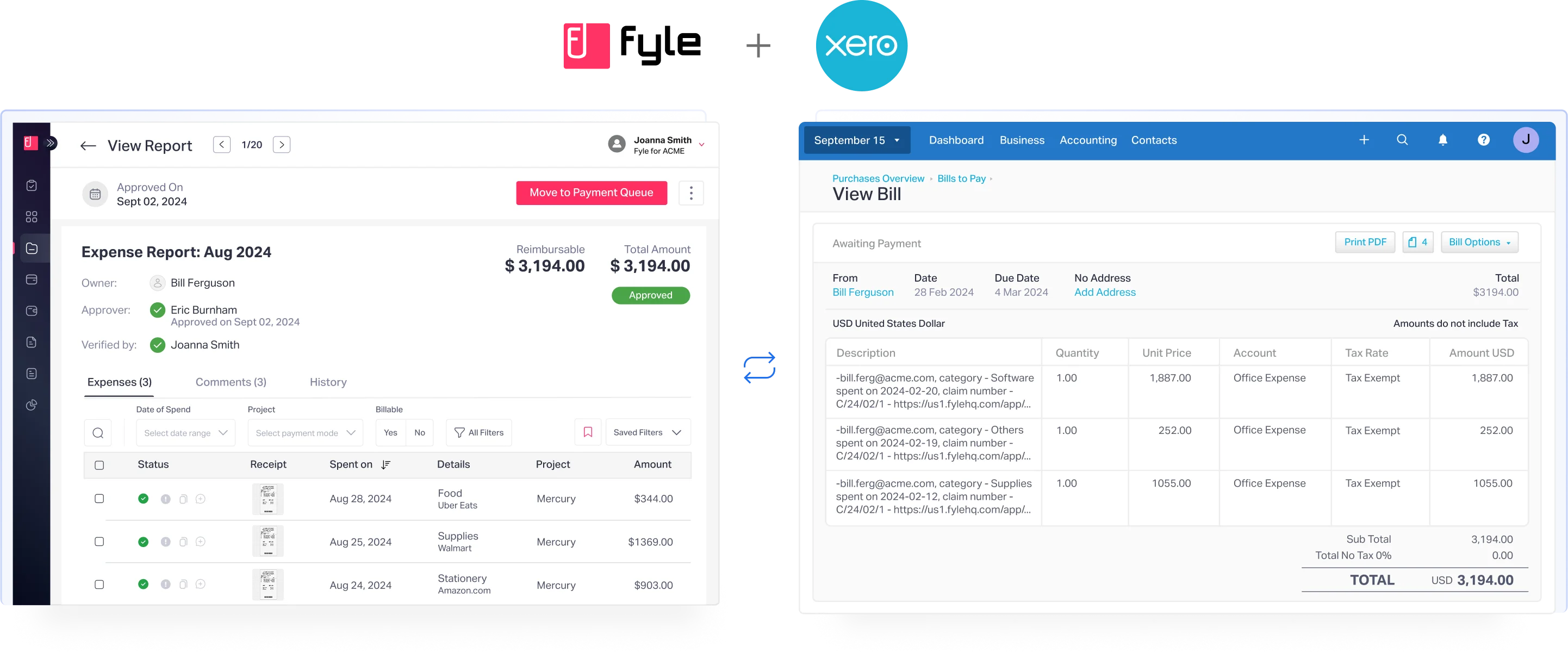
- Seamless Sync with Xero
Sage Expense Management connects directly with Xero, no middleware, no manual work.
- Syncs Chart of Accounts, suppliers, tracking categories, and tax codes
- Imported fields appear as dropdowns during submission, so employees tag expenses correctly from the start
- Keeps expense dimensions aligned between systems for clean exports
- Receipts Captured in Real Time
Sage Expense Management meets your team where they are, whether on the job site, in a truck, or traveling between projects.
- Submit receipts via SMS, email, or mobile app — no desktop required
- Expenses are instantly available for review and coding
- Reduce lag between spend and accounting
- Built-in Policy Enforcement
Sage Expense Management flags errors before they become problems.
- Alerts for missing receipts, out-of-policy spend, or incorrect tags
- Helps you enforce spend rules consistently, without extra effort
- Minimizes cleanup before exporting to Xero
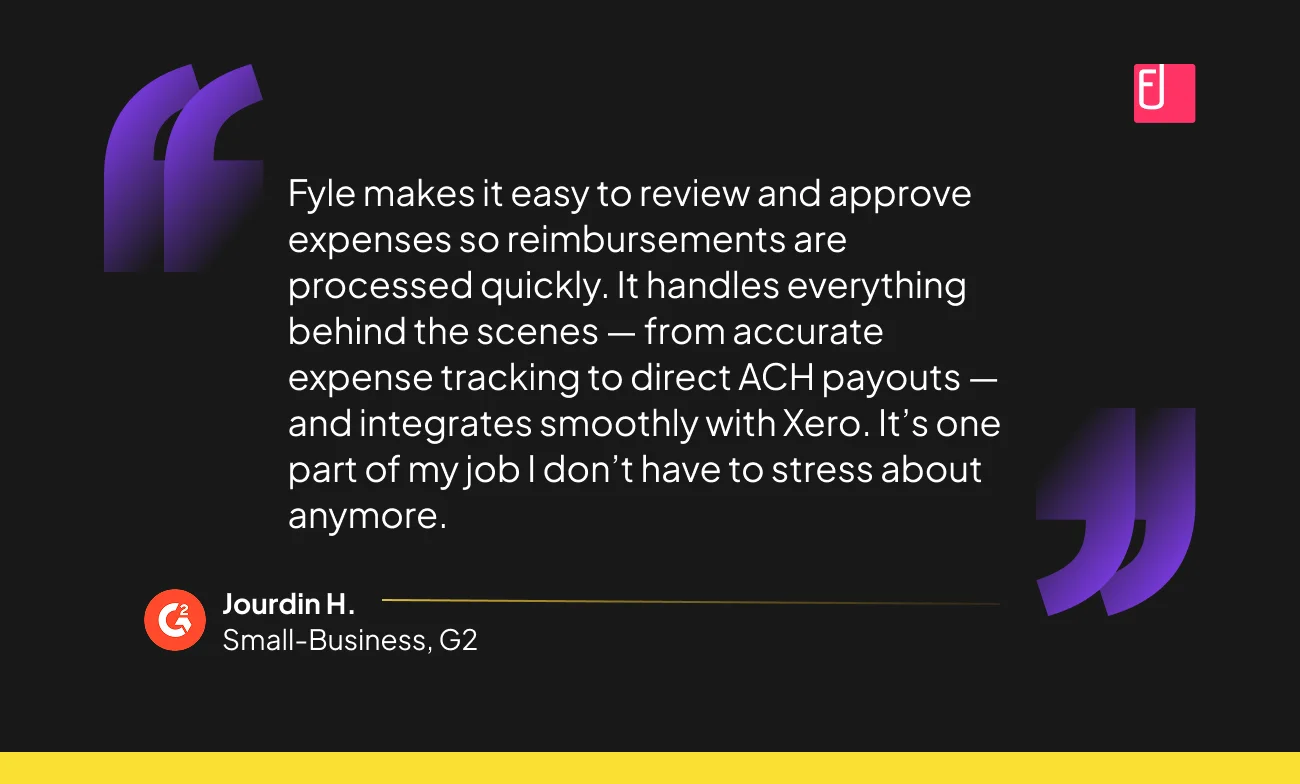
- Support for Complex Construction Workflows
Tagging project-level details is easy with Sage Expense Management.
- Track expenses by job, GL code, cost center, or client
- Split a single transaction across multiple projects or categories
- Maintain context without relying on notes or follow-ups
- Flexible Export Options for Every Expense Type
Whether you're reimbursing employees or reconciling corporate card spend, Sage Expense Management ensures everything is export-ready.
- Reimbursable expenses → Exported to Xero as Bills
- Corporate card expenses → Exported as Bank Transactions, mapped to your business credit card
- Export immediately after approval or in scheduled batches
- All exports include receipts, project tags, and notes for a full audit trail
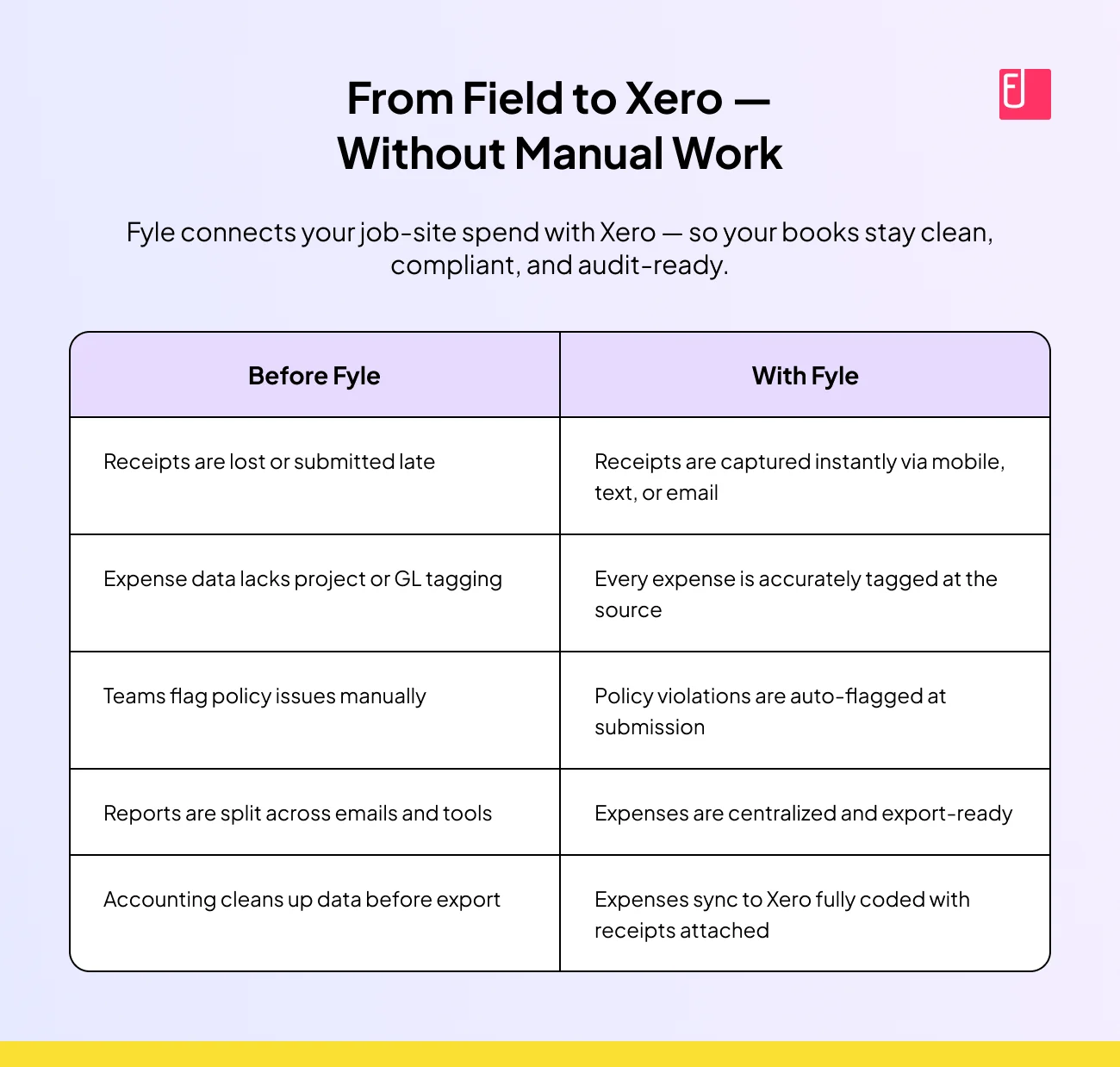
Get Field Expenses into Xero Without the Cleanup
Sage Expense Management helps construction finance teams take control of expense data, from the job site to Xero.
Capture receipts instantly, enforce policies upfront, and export clean, coded expenses without lifting a spreadsheet.
It’s the easiest way to keep your books audit-ready and your team focused on the work that matters.